▦
Live multi-camera grids
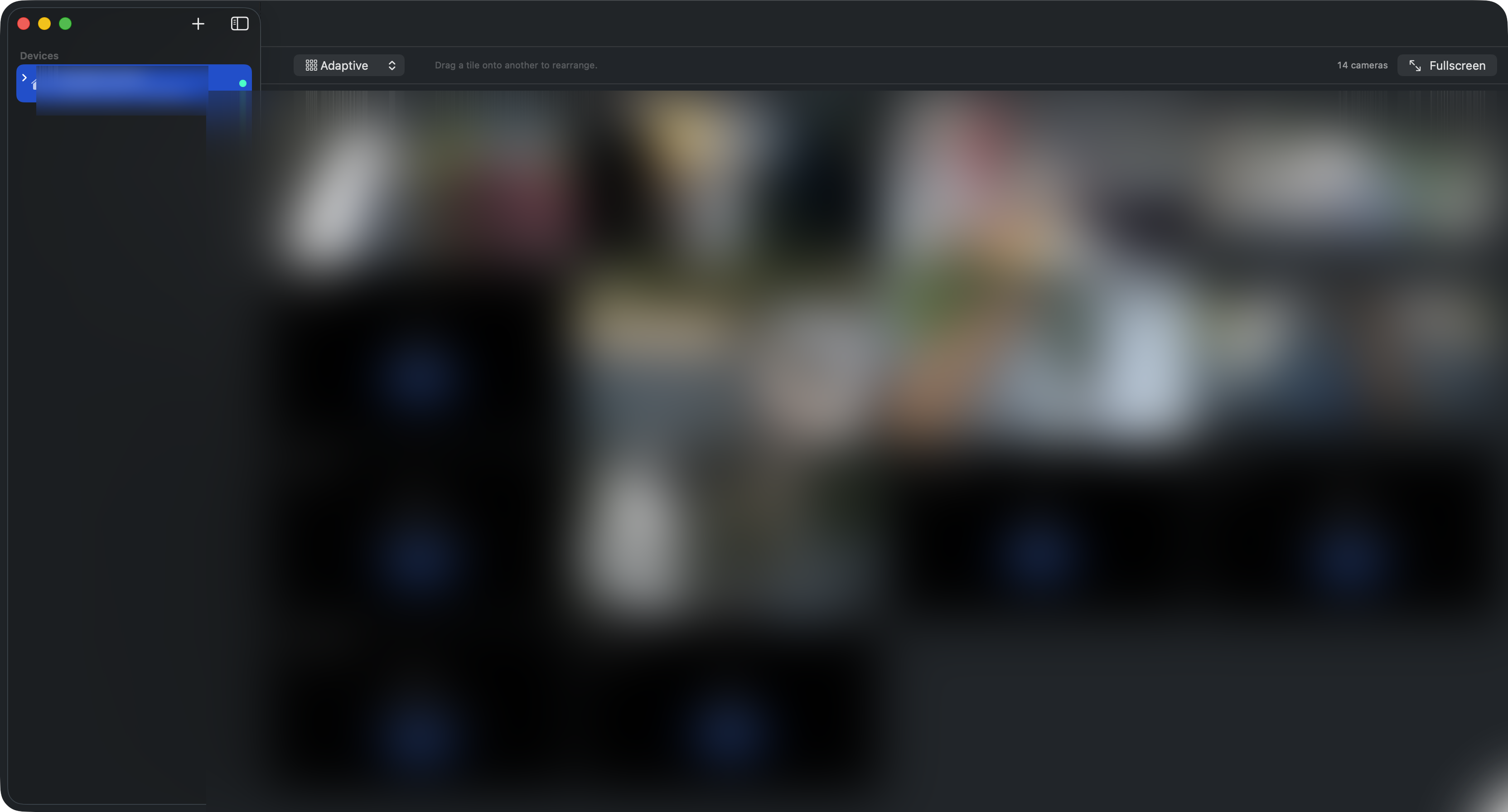
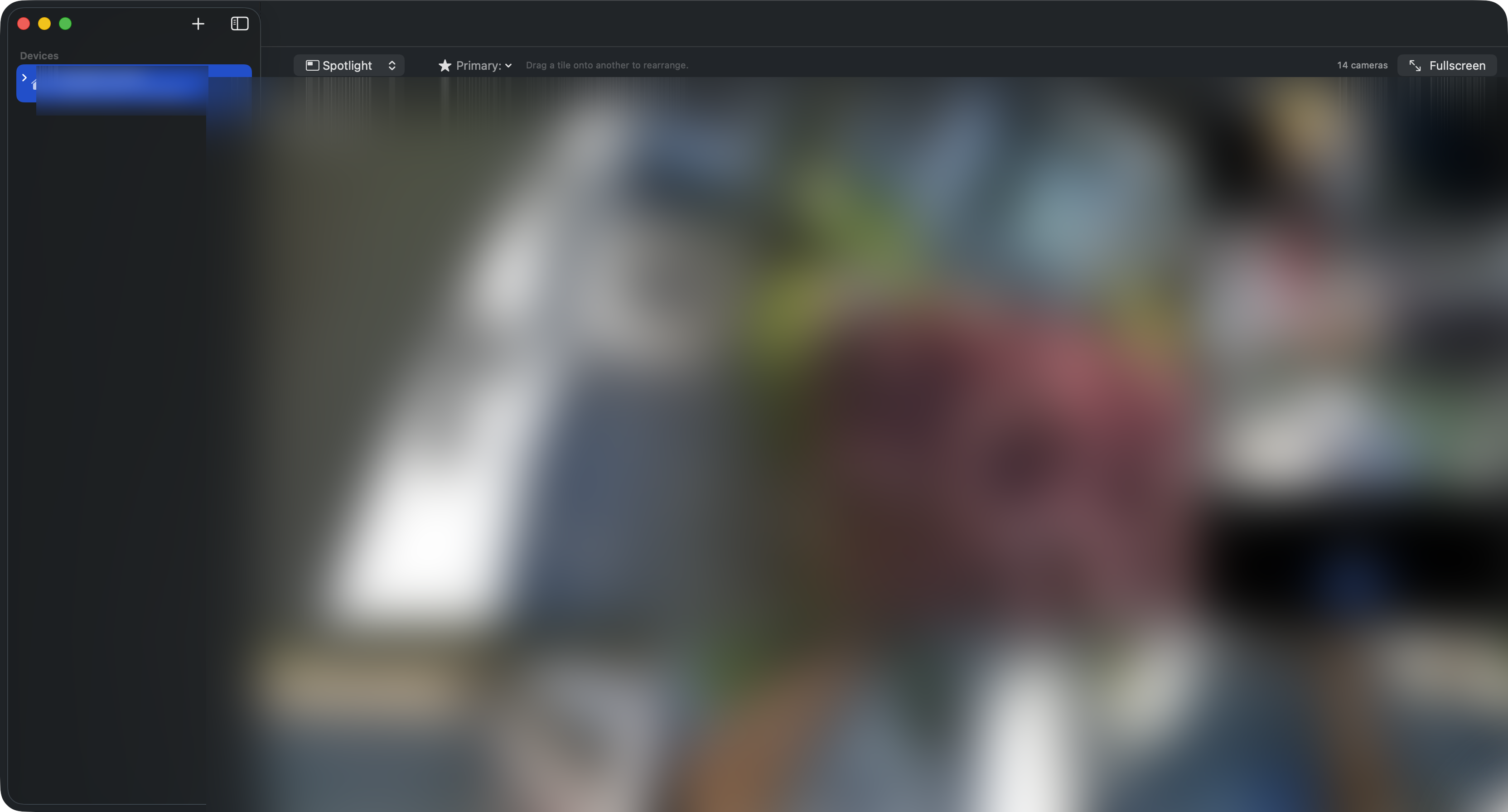
Adaptive layout fills the window. Switch to spotlight, 2×2, 3×3, or 4×4 with one click. Drag tiles to rearrange — the order sticks.

Native, Apple-silicon, no Electron. Live multi-camera grids, PTZ control, drag-to-arrange layouts, and rich macOS notifications when something moves.
brew install --cask jestatsio/reolens/reolens
Adaptive layout fills the window. Switch to spotlight, 2×2, 3×3, or 4×4 with one click. Drag tiles to rearrange — the order sticks.
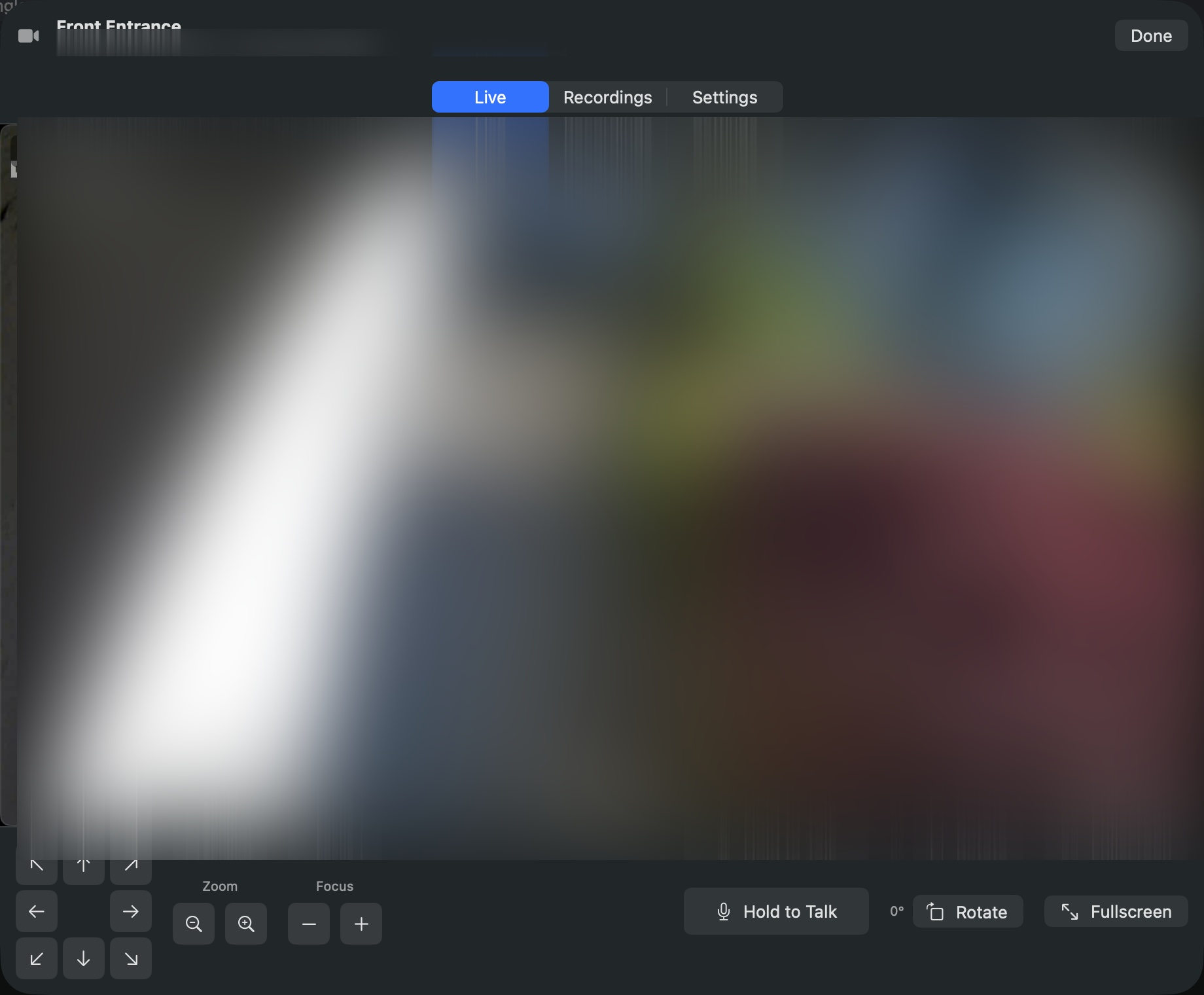
Pan, tilt, zoom, focus — all 17 PTZ ops from the dedicated control bar, including presets and patrols.
When motion fires, you get a macOS notification with a still image and the camera that triggered it. No more "what was that?"
SwiftUI + Apple's video decoders. Cold launches in under a second, costs almost nothing in battery, and feels like every other Mac app.
Sparkle-powered auto-updates. New versions land quietly with a one-click install — and we never phone home with anything else.
Swift, MIT-licensed, on GitHub. Tweak it, fork it, file issues.
All footage in screenshots is blurred — your cameras, your privacy.

The signed, notarized DMG straight from GitHub Releases.
Download Reolens.dmgIf you live in the terminal:
brew install --cask jestatsio/reolens/reolensClone the repo and run:
./Scripts/build-app.sh run